Not sure how to add this code to your sidebar?
- Click on the DESIGN tab in Blogger and then PAGE ELEMENTS
- Click "Add a Gadget" in your sidebar/footer
- Select the HTML/Javascript Widget (see below)

- Paste the html code in this window - no need to give it a title unless you want to!
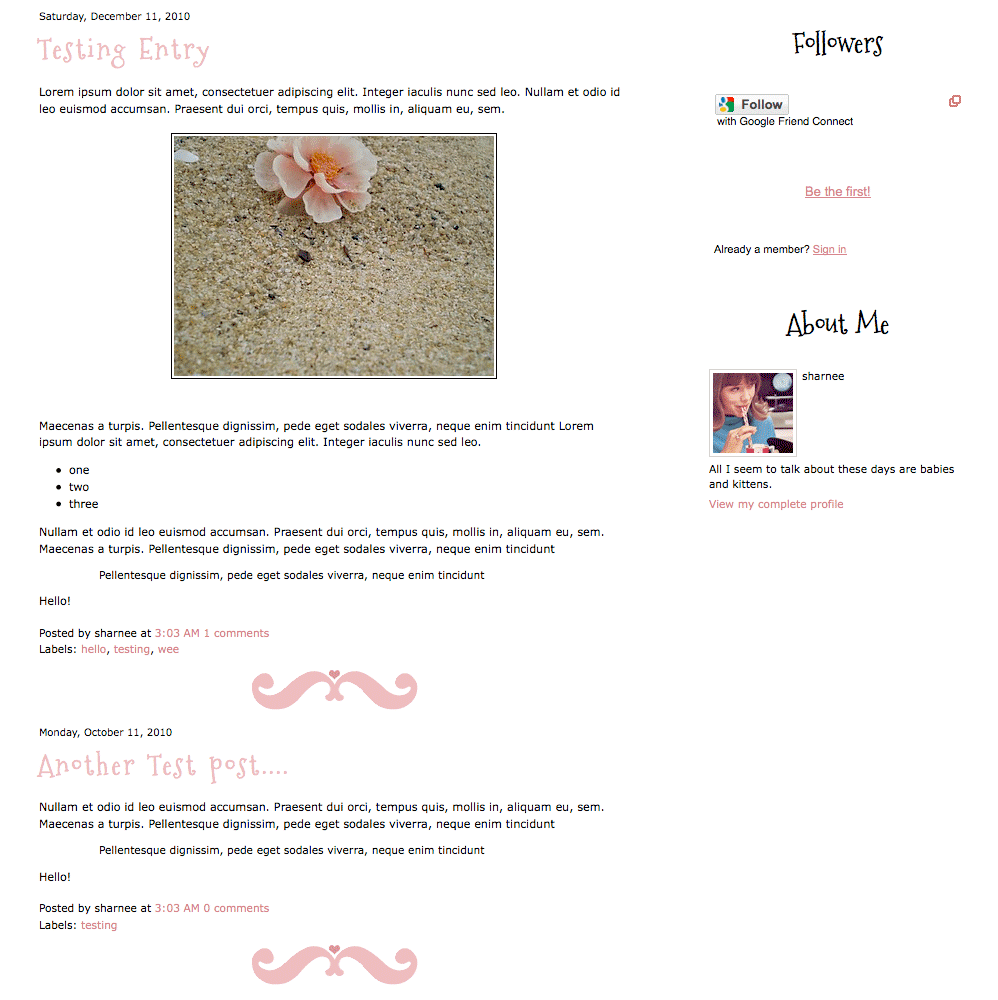
See below for how mine looks:

- Click save! Done!
You can now drag and drop this widget wherever you want it to be, as per normal!




(please please please with sugar on top)
It's easily done! Go to your DESIGN & EDIT HTML window in Blogger:

It should now look like this:

Click for a larger preview
I will love you forever and ever if you do this. I know it sucks and it's not ideal.
It's just all about sharing! Dead links are not fun.