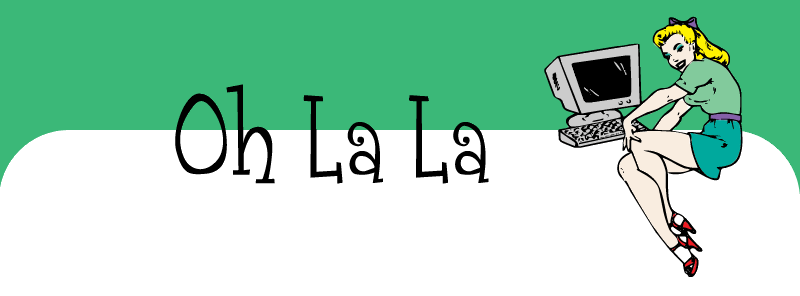
(click for a live preview)
- To download the xml template: click here (zip)
- Preview the site here
- Need help installing this? Click here
*** A few things ***This blogger template is for those of you who are comfortable editing images and uploading them to the internet (and then replacing the image path). YOUR BLOG TITLE AND DESCRIPTION WILL NOT SHOW UP - this design is not interactive from your Blogger Dashboard.
The header image is a blank image that you may do what you wish to. I have included a jpg and the layered photoshop file (for those who have photoshop). Download the zipped up folder for all the files you'll need for the header. The font I have used in my own test site is called
Grenouille.
Until you edit the image yourself, you'll have the same header as I do on the test site.
ALSO - regarding the HEADER IMAGE:
"WHY did you make this design like this?"
Two reasons really - one: you can edit this header image if you want - remove the "Oh La La" text and put your own thing in (you can use any graphics editor to put your own text onto this banner and there are waaaay more font choices than the silly old internet can handle. DaFont: droolworthy!) and two: I just thought it would be more interesting - and things are definitely better when they're more interesting ;-)
"I don't want to edit my own header image! Can you please let me know how to make my title & description come through from Blogger?"
No. It's highly doubtful that your blog title and description is going to come through (and actually "fit" in the correct bit), so bad luck.
"What graphics program can I use to edit this image?"
I have Photoshop CS, but you can use any graphics program that allows you to open/edit a JPEG or GIF - which should be pretty much any graphics program.
"Ok, I made my own banner, now what?"
I have included a PDF on how to replace the header image with your new one. All image files and PDF is enclosed within the
downloadable zip folder.